Fifteen windows, eight identical browser icons, and Alt-Tab is a guessing game. You lose your place - and your focus.
The windows you need later keep getting in the way now.
The missing move
ParkShelf is your missing move
Drag a window onto the shelf and it is genuinely gone - not minimized, not closed - just waiting on a card until you want it back.
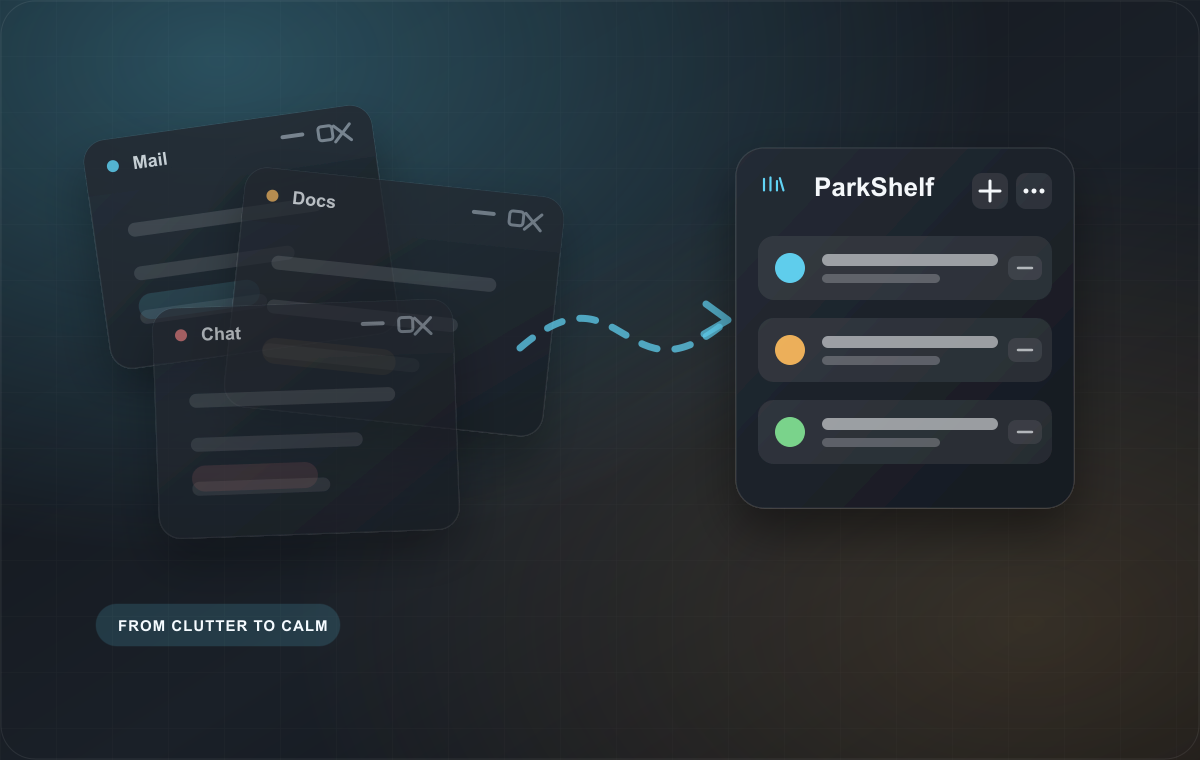
The reference doc, the ticket, the half-read article. Minimizing buries it in the pile. Closing loses where you were.
Slack. Email. That one tab. You want it gone while you focus - but one click away the moment you do not.
Park it. Forget it. Bring it back.
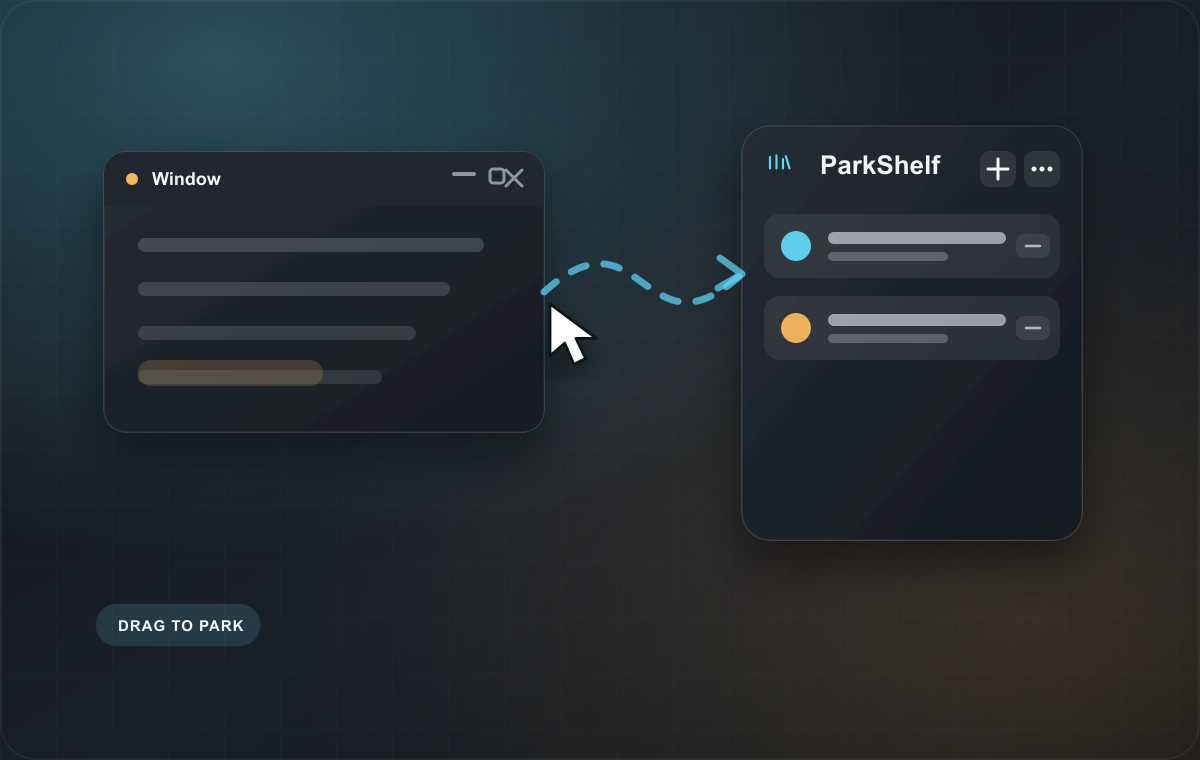
Park it.
Drag any window onto the shelf, or press Ctrl+Alt+P. It disappears from your taskbar and Alt-Tab.
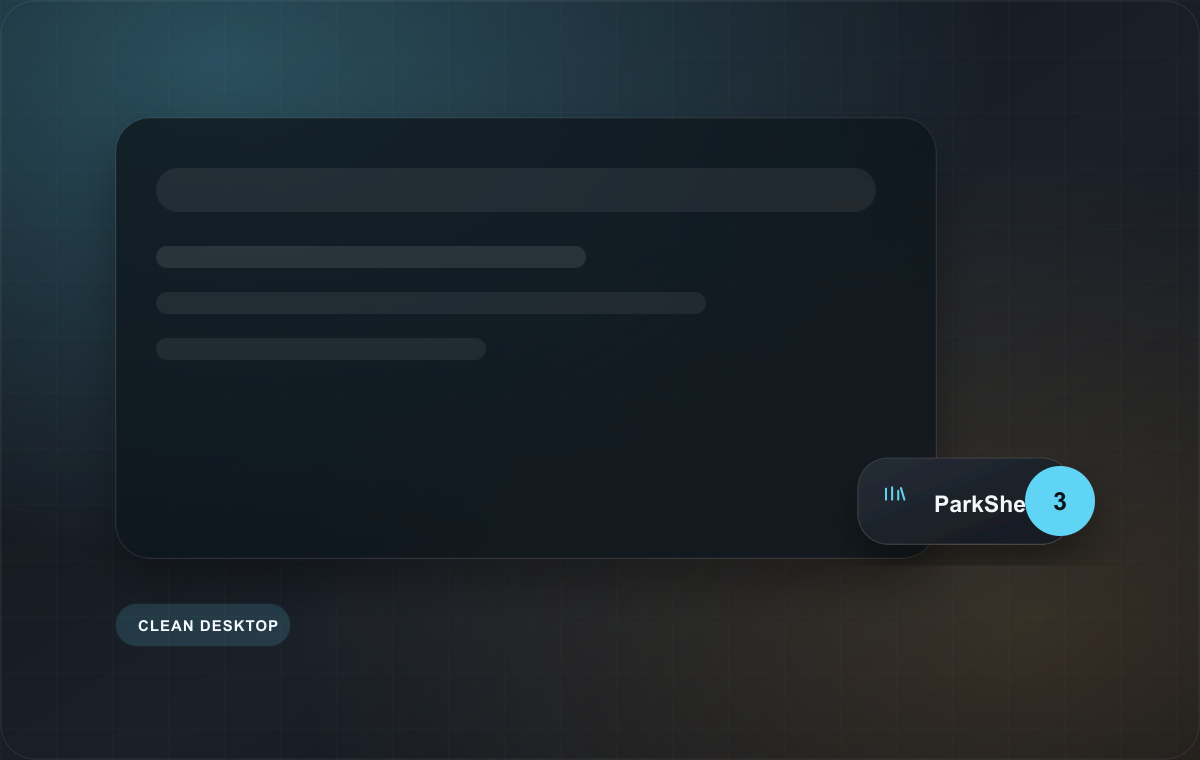
Forget it.
Your desktop is clean again. The shelf itself shrinks to a tiny puck when you stop using it, so even it gets out of the way.
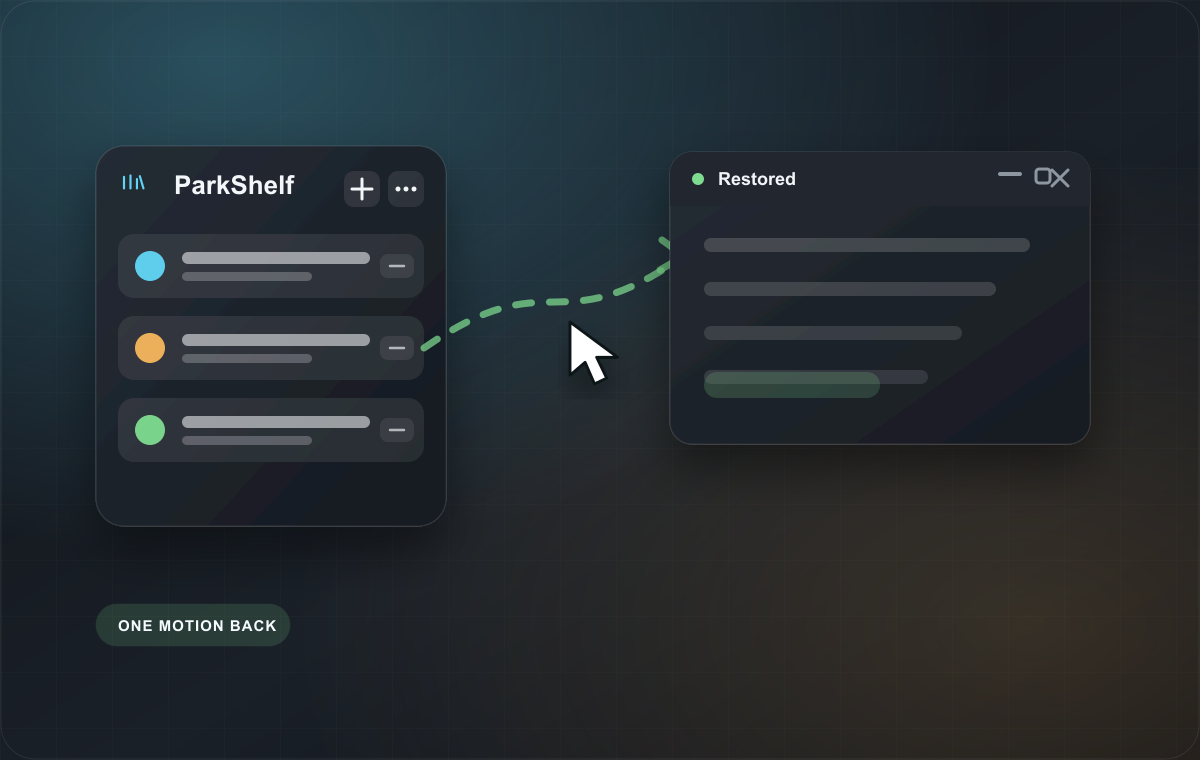
Bring it back.
Click a card to peek, or drag it off the shelf. The window springs back under your cursor, exactly where you left it.
Desktop builds
The desktop builds are live.
ParkShelf is available now for Windows x64, Windows on Arm, and macOS. The site keeps the Windows workflow imagery front and center, with macOS available as a direct download.
Windows x64Intel + AMD PCs
For most Windows laptops and desktops.
Download x64 installerWindows on ArmArm-based PCs
For Snapdragon and other Arm-based Windows PCs.
Download Arm installermacOSDirect download
The Mac app now supports parking individual Chrome tabs. Safari does not support the same functionality; an alternative solution for Safari users is in development.
Download MacWhat you get
Everything you need to park windows.
Hide the window, not the work.
Drag a window to the shelf or use the hotkey. It leaves the taskbar and Alt-Tab until you need it.
Check before restoring.
Peek at parked windows from the shelf so you bring back the right thing.
The shelf gets out of the way.
When idle, ParkShelf collapses to a tiny puck with a count badge.
Parked windows are accounted for.
A local recovery ledger helps restore parked windows if the app restarts.
Free to start. Unlimited for one small purchase.
Free
Available$0
Park up to 3 windows at once. Everything else included: drag-to-park, previews, both layouts, the puck, hotkeys, and crash-safe recovery.
Windows x64Windows on ArmmacOS
Windows x64, Windows on Arm, and macOS are available now.
Pro
AvailableUS$6.99 once
Unlimited parked windows and priority support. One Windows Pro license covers both x64 and Arm; macOS has its own Pro license. No subscription, ever.
Windows x64
For Intel and AMD Windows PCs.
Buy x64 Pro - US$6.99Windows on Arm
For Arm-based Windows PCs.
Buy Arm Pro - US$6.99macOS
For the direct macOS download.
Buy Mac Pro - US$6.99Pro includes unlimited parking, Park All, and a press-to-record custom Mac shortcut. Saved sets, auto-park rules, and doze timing are planned.
Parking is not minimizing, and it is not a virtual desktop. It is a holding pen.
Minimize
The window is still in your taskbar and Alt-Tab, still pulling your eye. Parking removes it entirely.
Close
You lose your place and your unsaved state. Parking keeps the window exactly as it was.
Virtual desktops
Useful, but heavyweight. You still Alt-Tab inside them, and switching is a full context shift. Parking is one window, one gesture, one click back.
Private by design
Your windows stay yours.
ParkShelf is a desktop utility, not a cloud workspace. The app is designed around local control and the site uses forms only when you submit them.
- No telemetry or analytics in the app
- No background network calls
- Settings stay local
- Crash-safe recovery ledger
- One-time Windows Pro purchase
Straight answers before you install.
Is parking the same as minimizing?
No. Minimized windows still clutter your taskbar and Alt-Tab. Parked windows are completely hidden - they exist only on your shelf until you bring them back.
Do parked windows keep running?
Yes. Parking only hides a window. The app behind it keeps running exactly as before; you just do not see it until you bring it back.
Will it slow down my PC?
No. ParkShelf is a tiny native app that sits idle until you use it. No background services, no telemetry.
Which Windows build should I download?
Most PCs should use Windows x64. Use the Windows on Arm build for Arm-based Windows PCs such as Snapdragon-powered devices.
What about the Mac version?
The Mac app is available now as a direct DMG download rather than through the Mac App Store.
What happens if ParkShelf crashes while windows are parked?
Nothing is lost. ParkShelf keeps a recovery ledger; relaunch it and your windows are found and restored automatically.
What if I quit ParkShelf?
It restores every parked window first, and asks before quitting if anything is parked.
Does it collect any data?
No. No telemetry, no analytics, no network calls. Settings live in a local file. Privacy policy.
Why does Windows warn me when I first run it?
The direct download is new, so Windows may need time to build publisher reputation. If SmartScreen appears, choose More info -> Run anyway.
Is Pro a subscription?
No. Pay once, keep it forever, including minor updates. One Windows Pro license covers both x64 and Arm builds.
What are the system requirements?
Windows 10 1809 or later on x64, a Windows on Arm PC, or macOS for the direct Mac download.
Hotkeys?
On Windows, Ctrl+Alt+P parks the active window and Ctrl+Alt+U restores the last one. On macOS, ⌥P parks the active window, ⌥R restores the last parked window, and ⌥⇧R restores all. Mac Pro users can record a custom Park shortcut in Settings.
Refunds?
14 days, no questions: support@digitalxdesign.studio.
Available now for Windows and Mac
A calmer desktop is one drag away.
Free for 3 windows. Unlimited for US$6.99, once.
Release updates
Get product updates.
Windows x64, Windows on Arm, and macOS downloads are live now. Join the list for Pro updates, Mac notes, and team licensing news.
Support
Need help, a refund, or a license resend?
Email support@digitalxdesign.studio. ParkShelf supports Windows 10 1809 or later on x64, Windows on Arm, and macOS as a direct download.
14-day no-questions refund via support@digitalxdesign.studio.